Сome jobs let you rely on your smarts, strength, or drive to get by. Being an SEO marketer isn’t one of them.
Marketers like us need an SEO checker tools to do their job. These tools help track results, spot issues, suggest fixes, create reports, and even automate small tasks we can’t do over and over all day.
We looked through tons of SEO software, including ones we already use, to find the very best options out there. Here’s what we discovered.
What is an SEO Checker and How Does It Work?
An SEO Checker is a tool that helps you see how well your website is set up for search engines. It looks at important things like how you use keywords, your meta tags, backlinks, page speed, and whether your site works well on phones.
Why does this matter? These factors affect how high your site shows up in search results. The tool shows you what’s working and what needs fixing. By making these changes, you can boost your SEO site performance and get more people to find it online.
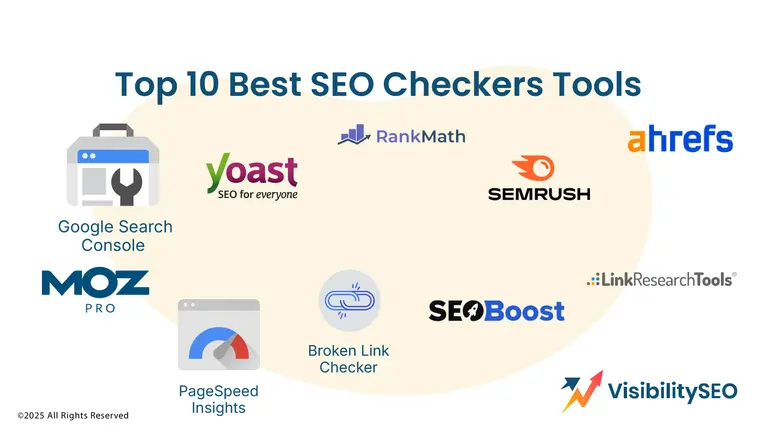 Top 10 Best Website SEO Checkers Tools
There are lots of SEO checkers out there. But how do you know which one is best for you? Let’s figure it out.
1. Google Search Console
 Website: http://search.google.com/search-console/about
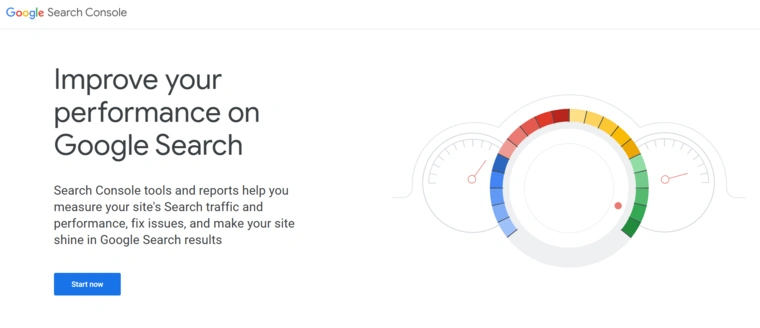
Google Search Console is a free tool that helps you understand how your website performs in Google search. You can check if your pages are indexed, submit your XML sitemap, and track your Core Web Vitals to see how user-friendly your site is.
It also has a URL inspection tool. This lets you see how Google views a specific page and spot any problems that might stop it from showing up in search results.
Pricing: Free.
2. Rank Math
 Website: www.rankmath.com
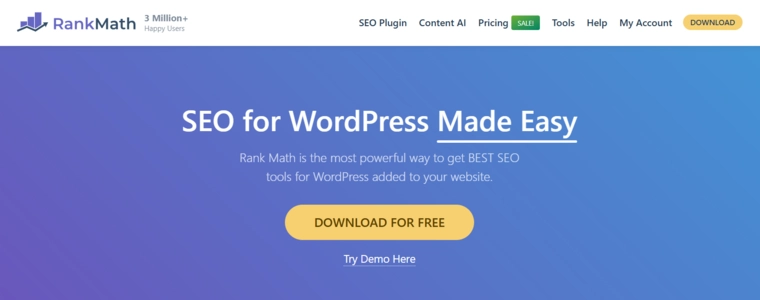
Rank Math is a WordPress SEO plugin that offers many features for free, which other plugins often charge for. It includes tools like redirects, 404 error management, and adding structured data.
It also has an SEO analyzer. This tool gives you simple tips to improve your content. However, it doesn’t go very deep into checking readability. It mainly looks at things like paragraph length and whether you’ve used images or videos.
Rank Math has taken things further with its Content AI feature. This includes over 40 AI tools and more than 125 prompt templates. These tools help at every stage of SEO, from brainstorming ideas to optimizing your content for better search rankings.
Pricing: $96/year (or $69 for the first year). There’s also a free plan available.
3. Yoast SEO
 Website: www.yoast.com
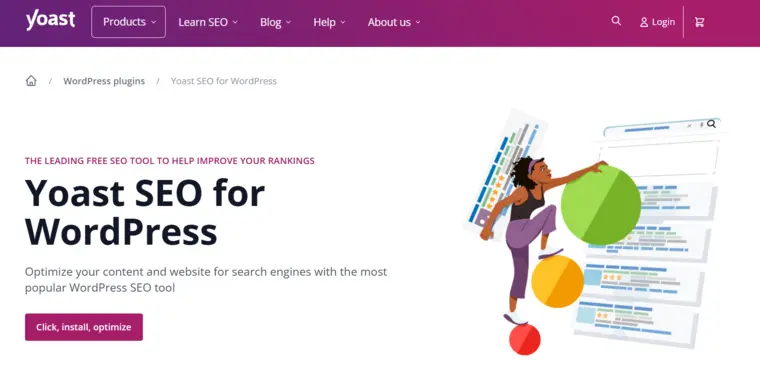
Yoast SEO is one of the best tools for managing SEO on WordPress. With over 10 million active users, it’s the most popular WordPress SEO plugin for a reason. It’s been around for a long time and is a favorite among WordPress users.
What makes it so great? For starters, Yoast SEO helps improve both on-page and technical SEO for your website. The free version is excellent for beginners, though there’s also a paid option if you need more features.
One standout feature is the readability analysis. It separates your content’s readability score from its SEO score, making it easy to see how your writing measures up. Why does this matter? Because search engines consider readability when ranking your site.
Pricing: Prices start at $99 per year, but there’s also a free version that works well for most people starting out.
4. SEMrush
 Website: www.semrush.com
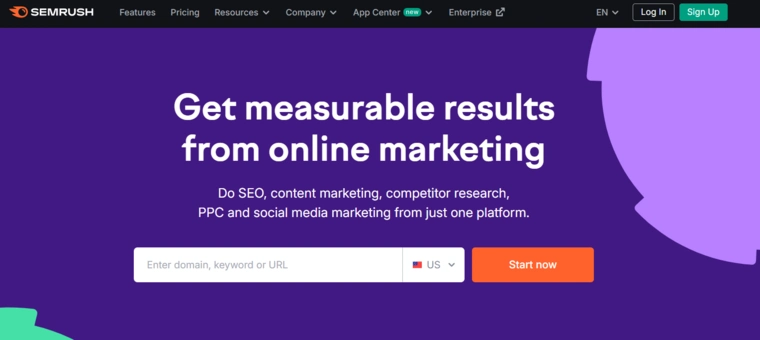
Semrush is a powerful tool for SEO. It helps businesses track rankings, analyze keywords, and monitor SEO performance. It’s great for both small businesses and large companies.
The platform focuses on keywords, SERP analysis, and page rankings. Its dashboard is detailed but easy to use. You can see important metrics like backlinks, traffic, authority, organic keywords, and time spent on your site.
Each metric has its own widget, and you can dive deeper into the details or turn them into reports.
Pricing: Pro ($139.95/month), Guru ($249.95/month), Business ($499.95/month).
5. Ahrefs
 Website: www.ahrefs.com
If Semrush isn’t for you, Ahrefs is another great SEO tool. It’s a premium rank tracker with slightly cheaper plans, and it’s our favorite for competitor analysis.
As a rank tracker, Ahrefs offers features like tracking webpage rankings for keywords, running SEO site checkups, and viewing historical ranking data. You can even create custom charts.
One cool feature is Web Explorer, which shows ranking stats for pages across the web based on specific keywords.
For competitor analysis, Ahrefs stands out. Its Content Gap tool compares the keywords your competitors rank for and highlights SERP features they dominate, like Google image packs.
The Link Intersect tool is also handy, it shows which websites link to your competitors.
Pricing: Starter ($29/month), Lite ($129/month), Standard ($249/month), Advanced ($4499/month), Enterprise ($14,990/year).
6. Moz Pro
 Website: www.moz.com
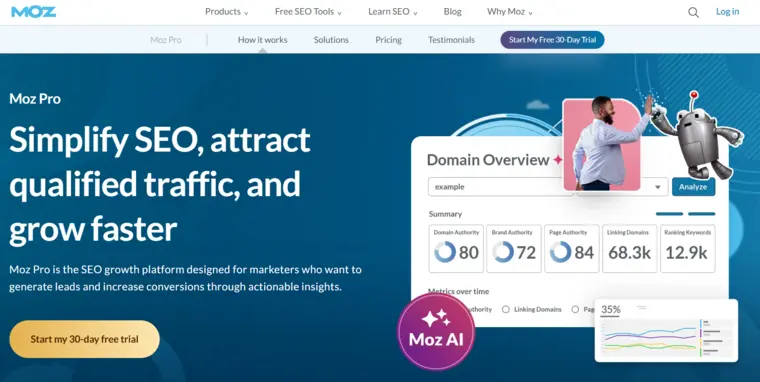
Moz Pro has been a leader in SEO (search engine optimization) for years. It’s built on that experience to offer a complete toolset for improving website performance.
Moz Pro helps with keyword research, page optimization, and tracking website rankings. It even crawls websites to find issues and analyzes links using tools like Open Site Explorer.
Why do so many marketers trust it? Its data is so reliable that even people using other tools often rely on Moz Pro’s metrics.
Pricing: The starting price is $79 per month for the Standard plan.
7.PageSpeed Insights
 Website: www.pagespeed.web.dev
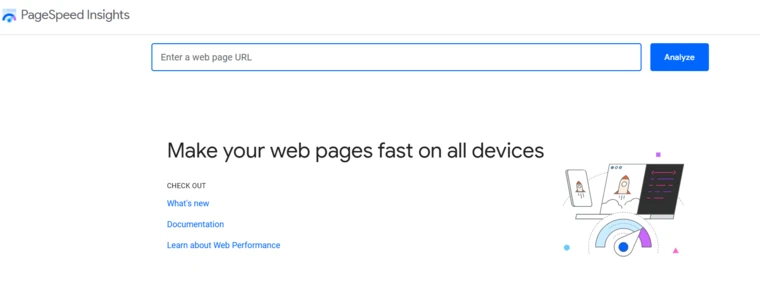
Google PageSpeed Insights is a free tool that checks how fast and well a website works on mobile and desktop. Just type in a website address, and you’ll get an instant free SEO audit report.
It gives you a score out of 100 and suggestions to make your site load faster and improve the user experience. The tool also includes details about Core Web Vitals, which are key factors Google uses to measure how good a webpage is.
Core Web Vitals focus on three things: how quickly the main content loads (Largest Contentful Paint), how quickly the site reacts to clicks (First Input Delay), and how stable the page looks while loading (Cumulative Layout Shift).
Pricing: Free
8. Broken Link Checker
 Website: www.brokenlinkcheck.com
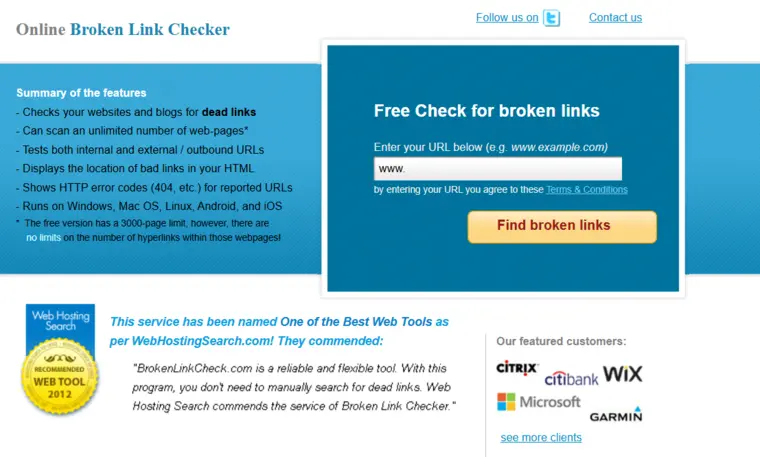
Broken Link Checker offers a solid way to evaluate your site’s SEO health. Sure, it’s resourceful, but could navigation feel smoother? Possibly. Its blend of thorough link analysis and actionable suggestions ensures users can improve site integrity without feeling overwhelmed.
Pricing: Free
9. SEOBoost
 Website: www.seoboost.com
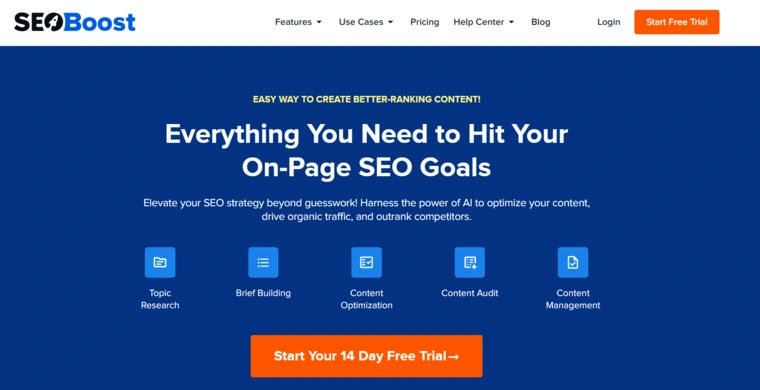
SEOBoost is a tool that helps you manage and improve your content. You can use it to:
- Create content outlines and briefs
- Generate topic reports
- Audit your content
- Use AI to optimize content faster
The Content Optimization feature gives you clear tips to improve your on-page elements. It also has a powerful Content Audit tool. Just type in the URL of the page you want to check, and SEOBoost will analyze it and suggest ways to make it better for SEO.
Pricing: Plans start at $275 per year.
10. Link Research Tools: Backlink Checker
 Website: www.linkresearchtools.com
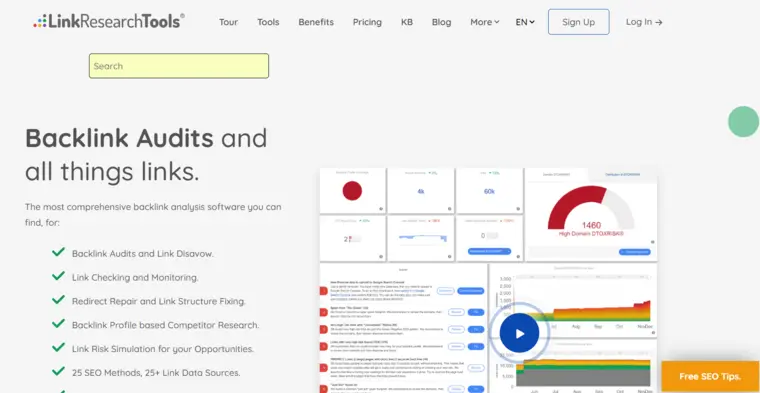
Link Research Tools (LRT) is a set of tools that helps you analyze and improve your website’s backlinks. It shows detailed data about the number, quality, and variety of links pointing to your site. It also organizes related anchor text for easy analysis.
The company takes pride in how accurate its data is, and for good reason. But here’s the catch: LRT won’t do the work for you. It’s like buying a fancy guitar, it won’t make you a rock star overnight.
LRT gives you the data, but it’s up to you to know how to use it. Do you know what questions to ask? How you analyze the data and what actions you take will make all the difference.
Pricing: Prices start at $599 per month.
Features of an SEO Checker
Let’s look at how an SEO tester tools can boost your website’s performance:
- Technical SEO check
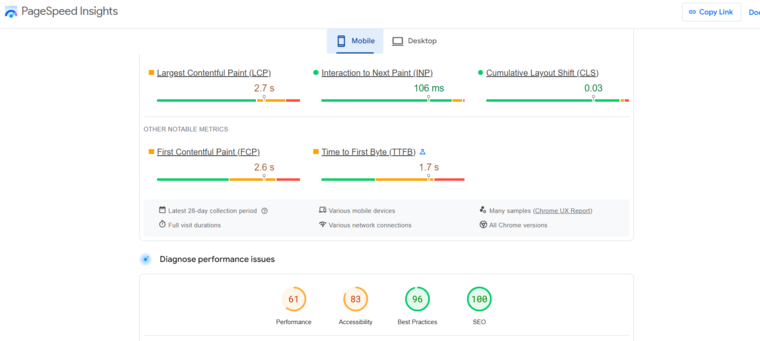
How fast does your site load? Is it easy to use on a phone? Are your URLs simple and clear? These are all things that matter for SEO.
An SEO checker analyzes the technical stuff to make sure your site runs smoothly and works well on any device. It’s like giving your website a tune-up.
- On-page SEO analysis
Wondering if your content is doing its job? An SEO checker reviews it for you. It checks if your keywords, meta tags, and headings are used well. It also looks at how clear and helpful your content is.
Fixing these things can make your site more appealing to both readers and search engines.
- Backlink analysis
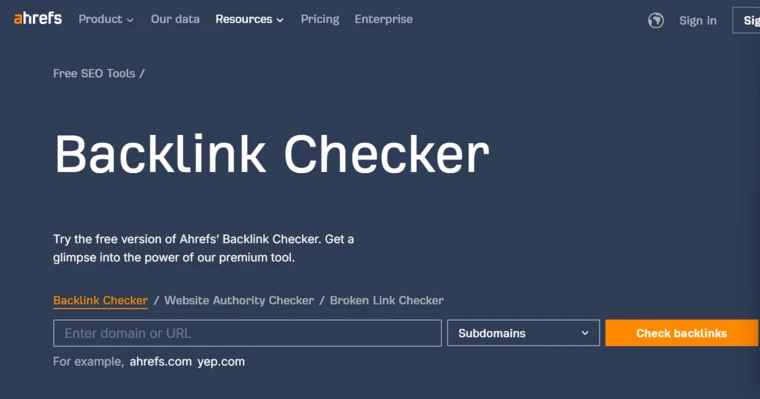
Backlinks are like votes of confidence for your site. An SEO checker checks how many backlinks you have and if they’re from trustworthy sources. This helps search engines see your content as valuable.
Knowing your backlink profile also helps you improve your strategy and build your site’s authority.
- Rank tracking
Curious about where your site shows up in search results? An SEO checker tracks your keyword rankings. This lets you see how well your SEO is working and where you need to make changes.
- Competitor analysis
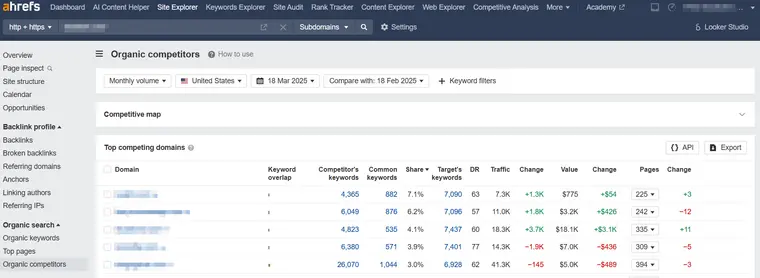
Want to know what your competitors are doing? An SEO checker gives you a look into their strengths and weaknesses. This helps you see what’s working for them and how you can do even better.
An SEO checker simplifies these steps and helps you optimize your website for success.
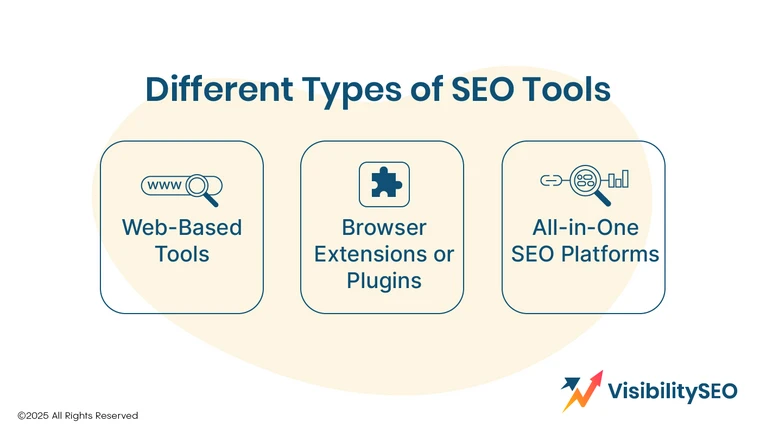
Different Types of Tools
There are different types of SEO checkers. Let’s take a look at the options.
1. Web-based tool
Web-based SEO checkers are tools you use through your web browser. No downloads or installations needed. They make it easy to check your site without taking up space on your device.
One example is Web.com’s free SEO Checker. Here’s how to use it:
- Go to Web.com’s SEO Checker.
- Fill in your name, phone number, email address, and your website’s URL.
- Click “Check my site.”
That’s it! You’ll get a report showing problems with your site and tips to fix them so your site ranks higher in search results. Simple and quick!
2. Browser extension or plugin
Think of these as quick SEO fixes for your website. These tools work right in your browser and give you instant insights. You don’t need to log in or visit other sites to use them.
They’re simple and super convenient. But there’s a catch. They usually focus on one task at a time and don’t give you the deep analysis you’d get from a full SEO tool.
3. All-in-one SEO platform
All-in-one SEO platforms are like a big toolbox for people who really understand SEO. They give you detailed tools and insights to improve every part of your website.
Picking the right SEO Checker depends on what you need and how comfortable you are with SEO. If you’re just starting out, a simple tool like Web.com’s SEO Checker is a great choice. Want fast fixes? Try browser extensions. Ready to dig deeper? All-in-one platforms are made for you.

Why Do You Need an SEO Checker?
As SEO specialists, it’s our job to run regular SEO tests to see what works. It’s something every SEO professional does. You make a change, then watch what happens to your site metrics.
Some websites see big gains from SEO testing. Others, not so much. It depends on the site.
Identify SEO Issues
SEO checkers are like your website’s repair team. They dig into the details to find problems that might hurt your website’s success. Broken links? Slow loading pages? Issues on mobile? They point out what’s wrong and show you what to fix.
Increase Organic Traffic
Think of SEO checkers as your website’s helper. They check your content, structure, and keywords to make sure it matches what search engines like Google want.
When everything is optimized, your website moves up in search results. This means more people will find and visit your site. Simple changes can make a big difference!
Save Time
SEO tools help you work faster. They spot problems like broken links or slow pages and tell you how to fix them. Instead of guessing, you get clear steps. This means less time spent figuring things out and more time focusing on your website. Simple, quick fixes can save hours!
Adapt to Algorithm Updates
Some updates are small, but others can seriously affect your site’s rankings. If you don’t update your SEO to match Google’s latest rules, your traffic might drop. Stay on top of it to keep your site performing well.
Improve User Experience
SEO testing isn’t just about getting more visitors to your website. It also helps make your site easier and more enjoyable to use. Google cares about user experience, so this can help boost your rankings.
By watching how people use your site, you’ll see what works and what doesn’t. Changing things like buttons, page layouts, or meta descriptions can make a big difference. Small tweaks can lead to more visitors turning into customers or leads.
4 Steps to Use a Website SEO Checker
1. Run a Scan
Using a website SEO checker isn’t hard. First, scan your site to find problems. It shows you what’s helping or hurting your site’s ranking. Fix things like broken links or slow pages. Small changes can boost traffic and make your site easier to use. Better sites get more visitors!
2. Review the Report
Look at the report carefully. It shows what’s working and what needs fixing. Check for things like broken links, slow pages, or weak keywords. These are problems that hurt your ranking. Fixing them will make your site better for visitors and help it show up more in search engines.
3. Implement Changes
Start making the changes from the report. Fix broken links so users don’t get stuck. Speed up slow pages to keep visitors happy.
Use better keywords to help people find your site. Every fix counts. These small updates will make your site easier to use and rank higher in search engines.
4. Monitor Progress
Watch how your site improves. Check if broken links are fixed and if pages load faster. See if more people visit your site or find it easier to use. Pay attention to what works and what doesn’t. Tracking these changes will help you keep your site on the right path.
How To Choose the Right SEO Checker Tool
When picking an SEO audit tool, focus on three key things:
- Features: Some tools only check specific issues, like technical SEO problems, while others cover lots of different SEO areas. Pick one that can find the issues you want to fix.
- Ease of use: Choose a tool that’s simple and easy to use. Look for one with clear instructions and helpful guides so you and your team can get started quickly.
- Pricing: Set a budget first. Look for tools that offer free trials so you can test them before you pay.
Keep it simple and choose what works best for your needs!
FAQs
Are there any free SEO tools available?
There are many free SEO tools you can use. Some of the best include Google Keyword Planner, WordStream’s keyword tool, and MozBar’s SEO toolbar. They’re simple and helpful for improving your website.
Why do SEO specialists like to use SEO tools?
SEO specialists like us use tools because they make our work easier and faster. These tools help us find the best keywords, check how websites rank, and fix problems. It’s like having a helpful guide that shows how to improve a site for better results.
What metrics does the SEO checker tool analyze?
The SEO checker tool looks at many things to help a website do better. It checks keywords, loading speed, and links. It also finds mistakes that make the site harder to use. By fixing these, the website can rank higher. It’s like fixing up a house so more people want to visit.
How can I check my SEO ranking?
You can check your SEO ranking by using an SEO tool. It shows where your website stands in search results. You’ll see what works well and what doesn’t. This helps you fix any problems and make improvements.
Better rankings mean more people will find and visit your website.
How can you use an SEO checker for on-page optimization?
An SEO checker helps you fix your website. It looks at things like keywords, images, and links. Then, it shows what’s wrong and how to make it better.
By using this tool, you can improve pages so they load quicker and look clearer. This helps your site rank higher and attract more visitors.

- SEO Consultant vs SEO Agency – What is the Difference? - June 25, 2026
- FAQ Schema: A Simple SEO Trick for Better Visibility - December 20, 2025
- What Is YMYL and Why It Matters for SEO? - December 16, 2025