
An SEO report is a powerful tool that gives clear insight into how well a site ranks in search engines. It shows data on clicks, rankings, backlinks, and site health. With a well‑crafted report, you can make smart choices in your SEO strategy. You can spot issues and boost performance.
Good SEO reports help you see what works and what needs fixing. They guide your next moves. So let’s dive deep into how you build reports that help improve your website’s visibility and organic traffic.
What Is an SEO Report?
An SEO report is a detailed report that shows how well a website performs in search engine results. It combines SEO metrics like clicks, keyword rankings, backlinks pointing to your site, and site health data points. It can show where your pages rank for targeted keywords. It may flag broken links or meta descriptions that need work.
A good report will identify SEO related issues and opportunities for content marketing and site improvements. It is a key tool in any SEO audit and in-depth SEO analysis. This report helps you track SEO performance over time.
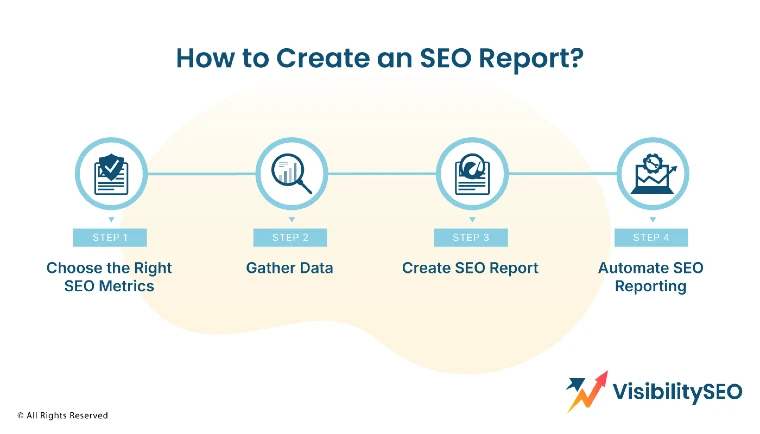
How to Create an SEO Report in 4 Steps?
Creating an SEO report starts with collecting clear data and organizing it well. You need to define goals, choose key metrics, gather data, and shape it into a clear format. Once done, you use tools like Google Analytics or Google Search Console to pull data for search rankings, organic search results, backlink profile, and technical metrics.
You add a narrative to explain what the numbers mean. Finally, you deliver a polished document or dashboard. That document guides your SEO strategy and helps show progress to stakeholders.
1. Choose the Right SEO Metrics
Choosing the right SEO metrics gives your report direction. Metrics help you monitor your SEO score and spot issues. They support your strategy and keep the report focused. Focus on metrics that matter most for your goals and target audience. Remove noise and distractions by avoiding too many trivial metrics.
- Organic clicks: Organic clicks are the number of times people clicked your site in search engine results. This metric shows if your site appears for relevant queries. Tracking clicks helps you judge your content’s appeal. It reveals which pages draw traffic. It is a direct signal of SEO performance and helps prioritize optimization tasks.
- Click-through rate (CTR): CTR is the share of people who saw your link and clicked. A low CTR may mean your title or meta description needs work. This SEO metric ties tightly to search engine optimization and content marketing. A better CTR often leads to more organic traffic without changing rankings.
- Conversion rate: Conversion rate is the percentage of visitors who take a desired action. That could be signing up, making a purchase, or contacting you. It turns traffic into results. It’s a key metric for SEO strategy because raising the conversion rate often means more value from the same SEO performance.
- Keyword rankings: Keyword rankings show where your site stands in search engine results for specific terms. Tracking keyword rankings reveals trends in search volume shifts. It shows if your content is moving up or down. Good ranking data supports your SEO audit and helps guide content updates.
- Backlinks: Backlinks show how many links other sites give you. That boosts your authority score and search engine rankings. You want backlinks pointing from reputable referring domains, not spam sites. Tracking the number and quality of external links helps build a strong backlink profile and enhances SEO performance.
- Site Health: Site health covers technical aspects like broken links, page load issues, mobile friendliness, and internal links. A weak site health can hurt search engine results. This check is a basic SEO audit step. It flags a website’s SEO issues that you need to fix fast.
- Authority Score: Authority score measures how strong your site is in comparison to others. It combines signals like backlinks, domain age, and content quality. It’s a key metric in many SEO tools like SEMRush or Ahrefs. A high authority score often leads to better search engine rankings.
2. Gather Data
To make a solid SEO report, you need proper sources. Use trusted tools and record snapshots, so you can track trends over time.
- Keyword Data: Keyword data includes rankings, search volume, and difficulty scores. It shows which phrases matter most. It helps you pick targeted keywords to build content around. Tracking keyword data is vital to improve search engine results.
- Website Analytics: Website analytics tools offer data on organic search results, bounce rate, session duration, and conversion goals. Google Analytics gives a lot of info. It ties directly to your SEO goals and conversion rate analysis. It also offers referral traffic data that complements organic search data.
- Backlink Profile: Use SEO tools to pull your backlink profile. Get details on how many backlinks, referring domains, their authority, and anchor text. This helps you monitor linking trends and detect spammy or broken links. It covers external links and how they impact SEO performance.
- Technical Metrics: Technical metrics include site health checks. This covers page speed, broken links, mobile usability, HTTPS status, structured data, and crawl errors. Tools like Screaming Frog or Sitebulb help find technical SEO related issues. Fixing those boosts search engine rankings.
- Competitor Analysis: Look at competitors’ search engine rankings for your target keywords. Track their backlink profile and authority score too. This helps you benchmark. You learn where you lag behind and you get ideas for content and linking.
3. Create SEO Report
Once you gather data, shape a report that readers can follow. Provide clear info with context.
- Structure Your Report Clearly: Use headings and sections. Start with an executive summary. Then dive into SEO metrics, backlink data, site health, and technical audit. Use data visualizations to make graphs easy to read. Good structure helps readers walk through insights in a logical way.
- Add Context to the Data: Numbers alone don’t explain much. Add commentary. Say why the numbers matter. If organic clicks rose by 10 percent, explain what changed. If backlink growth stalls, offer ideas on how to earn more referring domains. Context turns data into actionable insights.
- Set a Consistent Format and Schedule: Choose a template or use a dashboard tool. Commit to a regular cadence, monthly or quarterly. Stakeholders expect consistency. Make the report easy to follow each time. A free template helps speed things up. A consistent schedule ensures ongoing monitoring of SEO performance.
- End on a Positive Note: Wrap up with a summary of wins and next actions. Celebrate improvements in search engine rankings or bumps in organic search results. Point out where the strategy worked. Then say what will happen next. This leaves readers feeling hopeful and confident.
4. Automate SEO Reporting
Automating SEO reporting saves time and keeps data fresh. Connect Google Analytics or Google Search Console with a tool like Looker Studio. Set it to update daily or weekly. You can also schedule PDF exports or email summaries. Automation reduces manual effort and ensures your team has timely data.
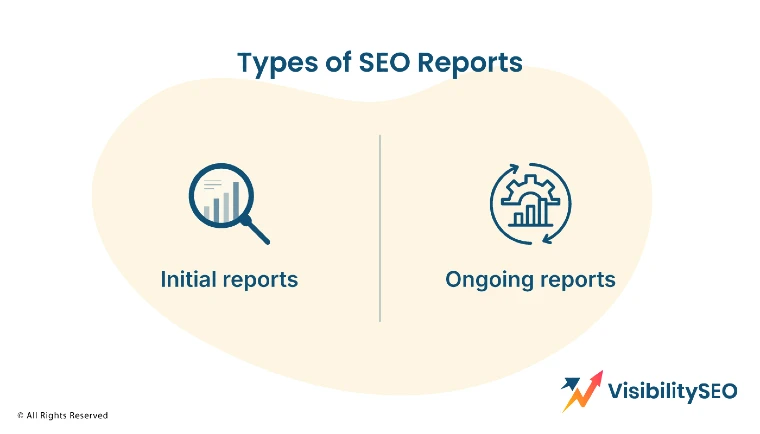
Types of SEO Reports
You have different report types depending on your phase and needs. Some reports help you get started, while others help track growth over time. You might need a quick check-up or a full deep dive. The kind of report you choose should match your current goals. If you’re just starting out, you’ll need one kind of data. If you’re trying to grow or fix SEO issues, you’ll need another.
Initial reports
An initial report covers baseline data. It lists current search rankings, clicks, site health, backlinks, and site score. It anchors any SEO project. It describes the website’s performance before updates begin. This helps set benchmarks for future comparison.
Ongoing reports
Ongoing reports track changes. They reflect how well your SEO strategy is working. They show trends in organic traffic, keyword rankings, backlink growth, and technical fixes. These reports demonstrate ROI and help tweak tactics over time.
Best Tools for SEO Reporting
Here are some popular SEO tools that make reporting easier and more powerful.
Google Search Console
Google Search Console is free. It shows clicks, impressions, CTR, and average position. It also alerts you to critical SEO issues like mobile usability errors and coverage problems. Every SEO strategy should include data from this essential tool.
- Key Features: It tracks search engine rankings, alerts on errors, and shows search query data. It also gives backlink info. It helps you monitor how Google views your site.
- Use Case: If your page drops in search rankings, you can check the console. You might fix missed indexation or mobile issues. This helps protect your SEO performance.
Google Analytics 4
Google Analytics gives deep data on user behavior and conversions. It helps connect organic traffic to user engagement and revenue. It shows metrics like sessions, bounce rate, and conversion rate.
- Key Features: It tracks user journeys through multiple pages. You can segment by channel or device. It also has event tracking and audience insights. This data complements your SEO report.
- Use Case: If you see traffic drop from Google Search Console, go to analytics. See if users bounce more often or time on page drops. Then you can fix the content or structure.
SEMRush
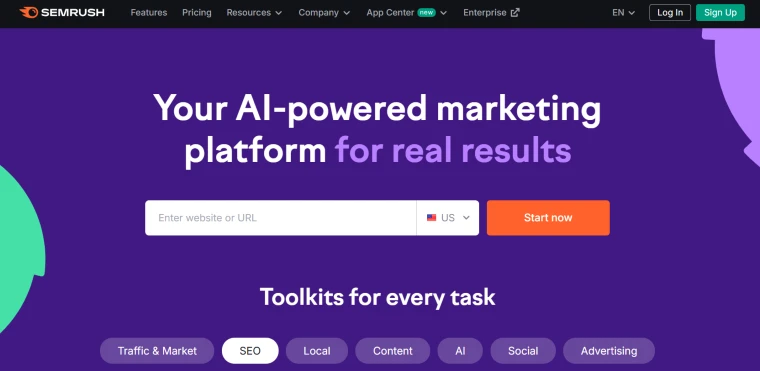
SEMRush packs SEO toolbox tools. It tracks keyword rankings, site audit, backlink audit, and authority score. It has data visualizations and competitive insights.
- Key Features: It includes keyword research, site audit, backlink analytics, and position tracking. It shows search volume trends over time and free traffic estimates.
- Use Case: You use SEMRush to compare your site against top competitors. It reveals missed opportunities in keyword or backlink targeting.
Ahrefs

Ahrefs is known for backlink analysis and keyword explorer. It offers detailed backlink profile info and content gap data.
- Key Features: It tracks how many backlinks you have, domain authority, referring domains, broken links, and internal links.
- Use Case: You want to see how many backlinks competitors get. You can copy their sources and build your linking strategy.
Screaming Frog
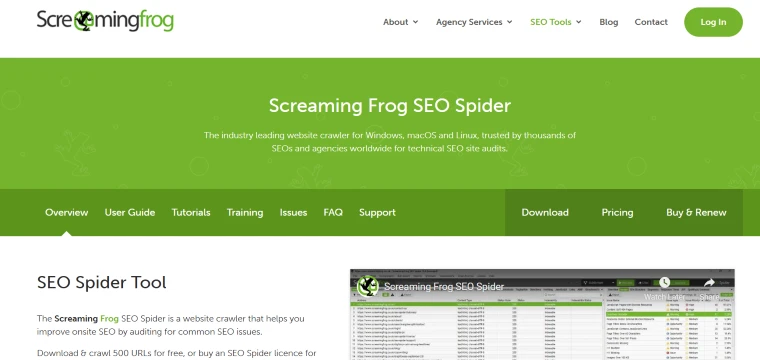
Screaming Frog crawls your site like a search engine spider. It finds broken links, missing meta descriptions, and duplicate pages.
- Key Features: It shows technical SEO issues like HTTP status codes, URL errors, and page speed findings.
- Use Case: Run a crawl monthly to catch broken links or missing tags. Fixing them helps with site health and user experience.
Oncrawl
Oncrawl is technical SEO tool for in-depth website analysis. Oncrawl give visual site structure and audit insights.
- Key Features: It shows crawl maps, internal link structure, redirect chains, and detailed page audits.
- Use Case: It help you visualize how search engines index your site and fix complex technical issues that could hurt rankings.
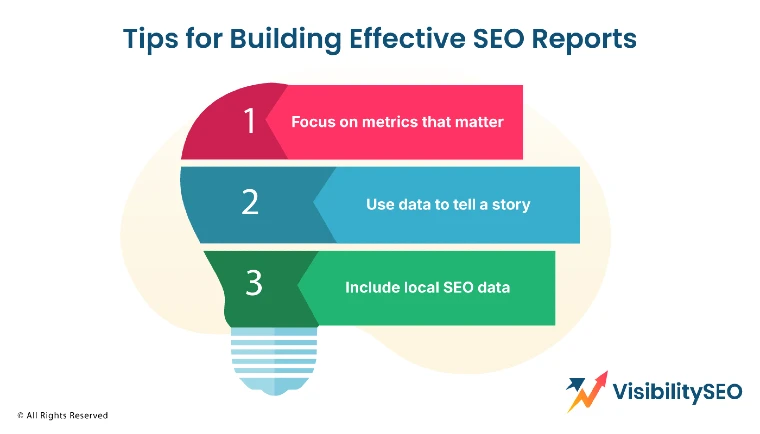
Tips for Building Effective SEO Reports
Building strong SEO reports means making them clear, valuable, and relevant. Focus on what matters most.
- Focus on metrics that matter – Choose key metrics like organic clicks, keyword rankings, conversion rate, and backlink counts. Avoid adding every SEO metric. Too many data points can confuse your reader instead of guiding them.
- Use data to tell a story – Connect the data. Show why a rise in clicks happened. Maybe a new blog post is ranked for a targeted keyword. Explain what the chart means, so readers understand how search rankings are evolving.
- Include local SEO data – If you serve a local audience, add maps and search engine results for local queries. Show where your site ranks in local pack results and review data. This makes the report more relevant to local SEO performance.
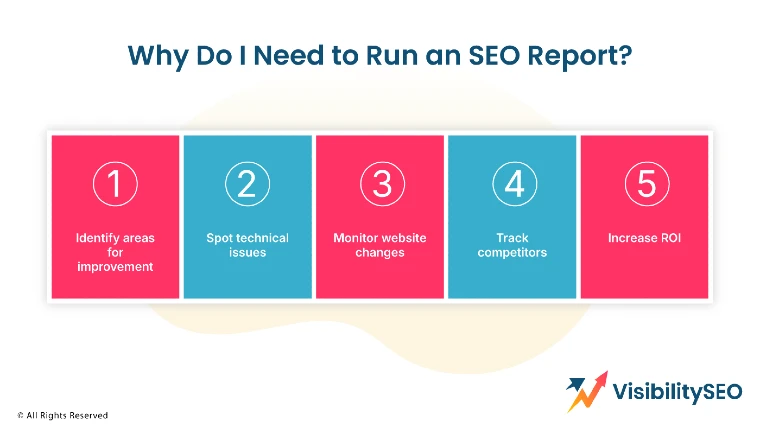
Why Do I Need to Run an SEO Report?
Running regular SEO reports gives you insight and control. Here is why they are so important:
- Identify areas for improvement: SEO reports show which pages underperform, which keywords drop, or which links are broken. It highlights the website’s SEO issues so you can act fast.
- Spot technical issues: Reports reveal crawl errors, miss meta descriptions, broken links, and slow pages. These might hurt search engine optimization and user experience.
- Monitor website changes: When you update content, technical structure, or backlinks, a new report shows how your site ranks and if traffic moves up. This helps assess SEO performance after changes.
- Track competitors: You learn their keyword rankings, backlink profile, and authority score. Comparing your site’s SEO toolbox with theirs shows where to improve.
- Increase ROI: SEO involves time and money. Reporting shows which channels and pages drive organic traffic and conversions. This helps you focus resources where they matter most.

Want More Organic Traffic? Start with a FREE SEO Report
Want to boost your search performance fast? Begin with a free SEO report. Many tools like SEMRush and Ahrefs offer a free SEO audit or free SEO tools that analyze your site’s performance. A free SEO audit can uncover broken links, missing meta descriptions, poor site health, and backlink gaps. That free starter report gives you insight and helps you build your SEO strategy. It shows where to begin your free overhaul.
A free SEO report also helps you understand how your site ranks compared to others. It shows search engine rankings, targeted keywords, and how many backlinks point to your pages.
You’ll learn which SEO metrics matter most for your goals. From there, you can fix issues and improve your organic search results. Think of it as a map that points out the best path to reach your target audience. It’s a smart first move.
FAQs
How long does it take to create an SEO report?
It depends on the scope and tools, but a basic SEO report can take two to four hours. Gathering metrics from Google Analytics, Google Search Console, and SEO tools takes time. Then you analyze trends and add context.
A full, in-depth SEO analysis with technical audits and competitor review may take several days. Over time, as you use templates and free templates or dashboards, the work gets faster.
Should you hire an in-house SEO team?
Hiring an in-house team is worth it if you want ongoing SEO strategy management and hands-on involvement. They can run audits, produce regular SEO reports, and fix issues quickly. But if your needs are small or you have a tight budget, hiring an agency like Visibility SEO may offer more value. Consider your goals, scale, and SEO performance demands before deciding.
Why should I use an SEO reporting tool?
SEO reporting tools save time and deliver reliable data. They connect directly to Google Analytics, Google Search Console, backlink checkers, and crawl tools. This gives you accurate and updated SEO metrics in one dashboard. They also generate charts and exportable reports. The best SEO tools support automated updates, free SEO reports, and allow you to spot a website’s SEO issues before they harm performance.
How do you present an SEO audit report?
Present an SEO audit report in a clear, structured format. Start with a summary of key findings. Then explain technical issues like broken links or duplicate meta descriptions. Show charts for keyword rankings, organic clicks, search engine rankings, and backlink profile. Add recommendations.
Use data visualizations and simple language so non-technical readers follow along. Finish with the next steps. This makes it easy for decision-makers to act on your SEO audit.
How do I handle local SEO reporting?
For local SEO reporting, include metrics for local search engine results like maps, local pack rankings, and review counts. Track targeted keywords that include locations. Show data for Google Business Profile and citations.
Compare your site’s rankings in your city to competitors. You might also report on local backlinks like directory listings. Local SEO tools, or Google Search Console, can help with that. It ensures your report reflects how customers in your area find you.

- SEO Consultant vs SEO Agency – What is the Difference? - June 25, 2026
- FAQ Schema: A Simple SEO Trick for Better Visibility - December 20, 2025
- What Is YMYL and Why It Matters for SEO? - December 16, 2025